Review and approve a request
Quick answer
- Go to Tasks ▸ Approvals tab in ESS.
- Click on the pending request to open its full details.
- Click Approve to accept or Reject to decline.
When a team member submits a profile update that needs your approval—such as an identification document, education record, or skill—it appears in your Approvals tab.
Open the Approvals tab
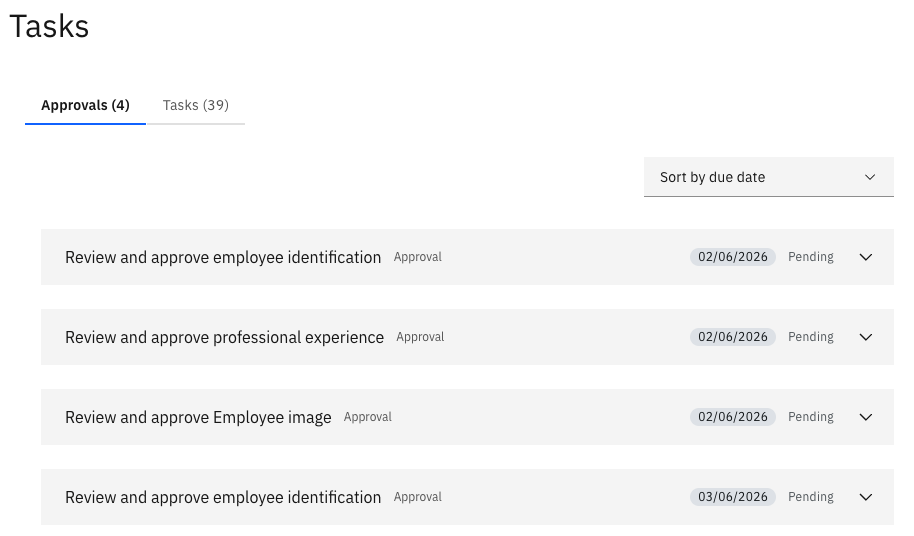
From the ESS portal, go to Tasks ▸ Approvals.
Review the list
The list shows all pending approval items, including the request type (e.g., Identification, Education, Subject, Professional Experience) and the employee who submitted it.
Open the request
Click on a record to open the full detail view and review what the employee submitted.
Approve or reject
Click Approve to accept the change, or Reject to decline it. The employee is notified of the outcome.